A crossover pulls characters, items or places from one story into another for a one-off event: pick a host story and chapter, a guest story and chapter, and let the AI propose how the guests arrive. The result is its own story, linked back to both sources.Reading crossovers is free for everyone. Creating one is a premium feature. This guide covers the creation wizard, premise generation, and how crossovers connect back into their source stories.
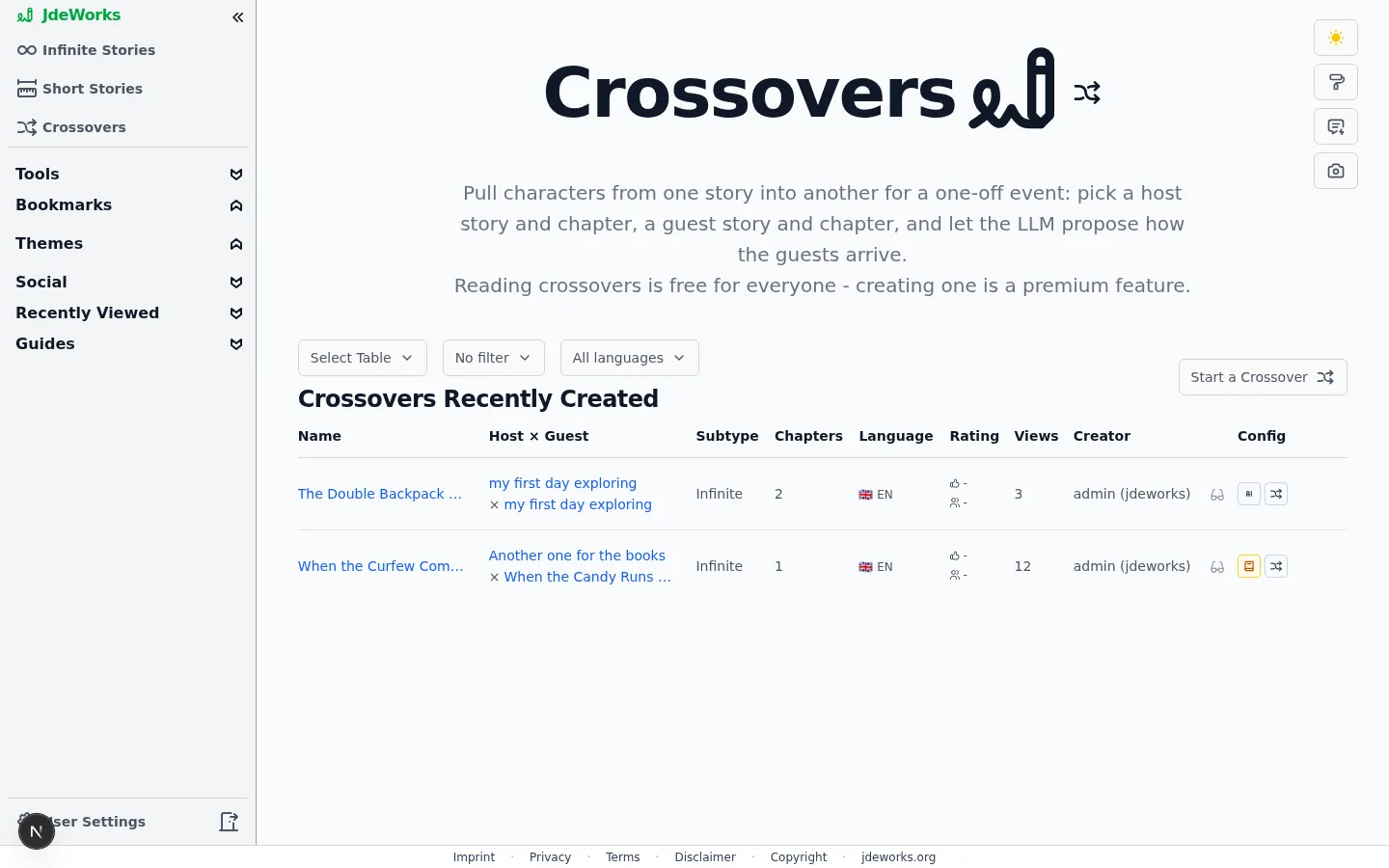
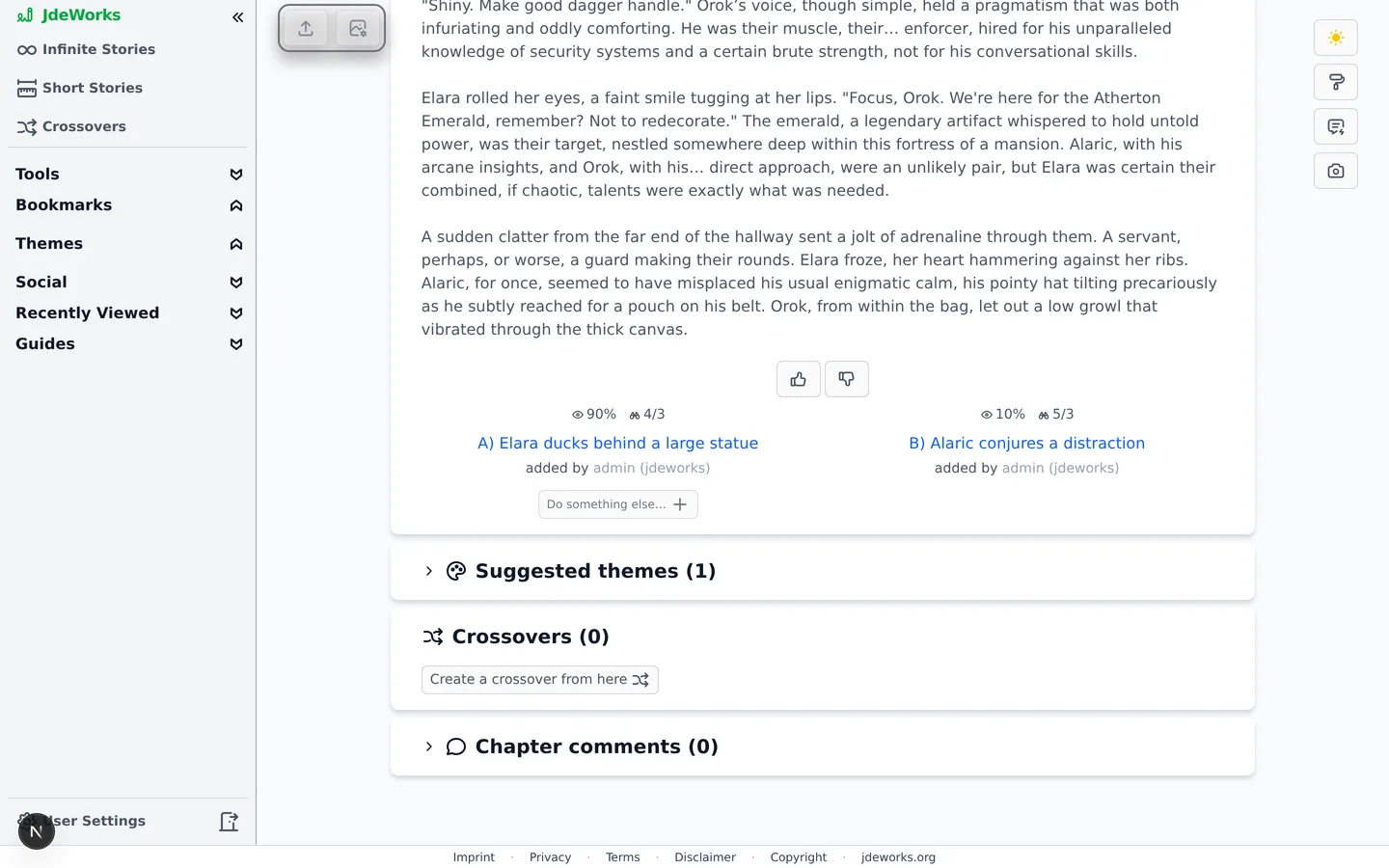
The Crossovers page in the sidebar lists crossovers and carries the Start a Crossover button. Anyone can browse and read here.Above every table sit up to three dropdowns. Select Table switches between the prepared tables, Language narrows the list to one language (available logged out too), and a mine filter appears when you are logged in, to show or hide your own.Three prepared tables: Crossovers Recently Created, Crossover Most Viewed and Crossover Best Rated. Every one of them lists crossovers only.The Crossovers hub. Reading is free, creating is premium.The second entry point sits under every chapter you read: the Crossovers section lists crossovers that touch this chapter and offers Create a crossover from here, which opens the wizard with this story and chapter already set as the host.Any chapter can become a crossover's host, straight from the reading view.
The creation wizard
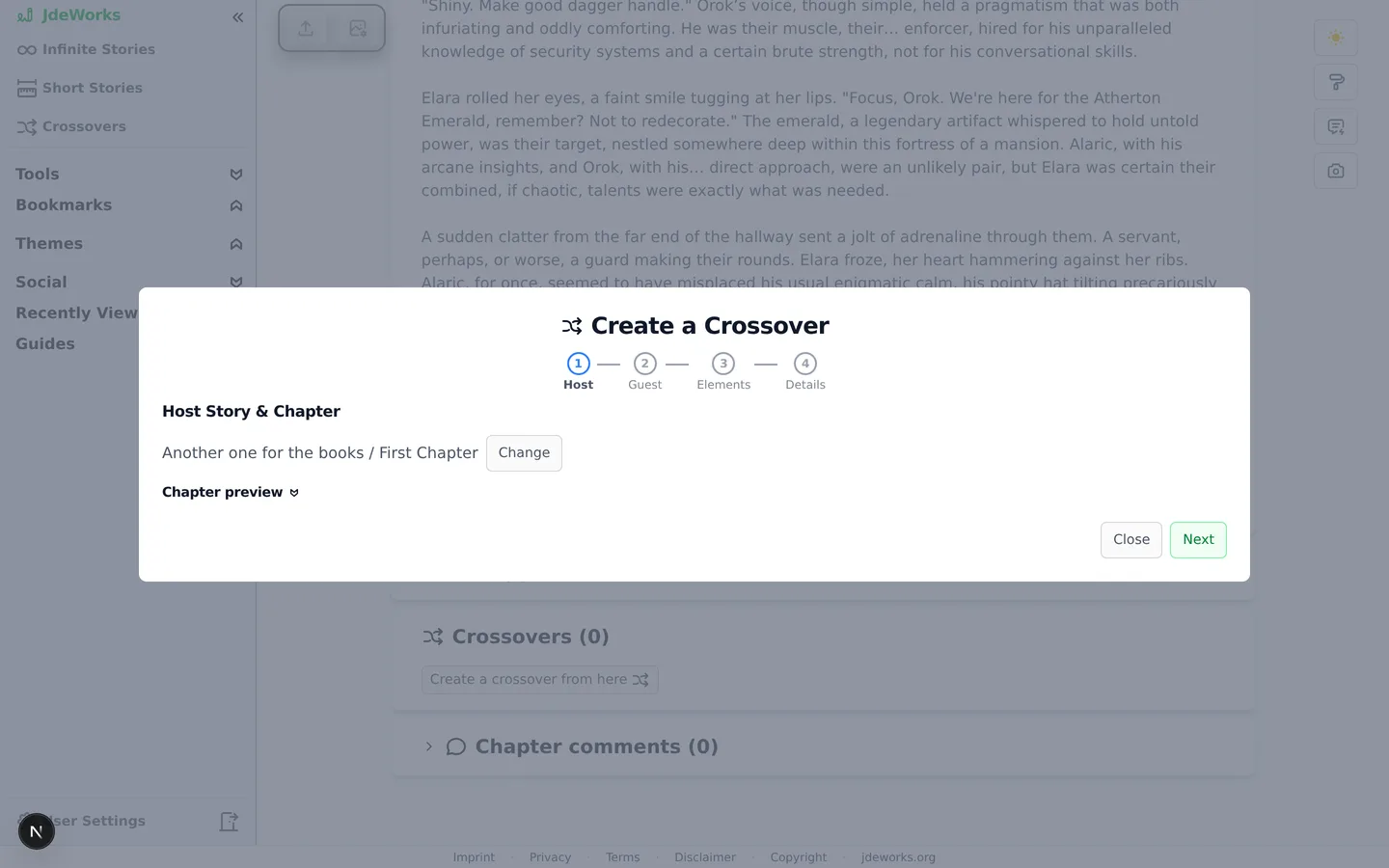
Create a Crossover walks four steps: Host, Guest, Elements, Details.
Host: the story and chapter where the event happens. The crossover continues this world.
Guest: the story and chapter the visitors come from. Their state at that exact chapter is what crosses over.
Elements: an AI pass over the guest chapter lists its characters, items and notable places as a checklist. Guest characters start checked, everything else is opt-in. The whole step is skippable.
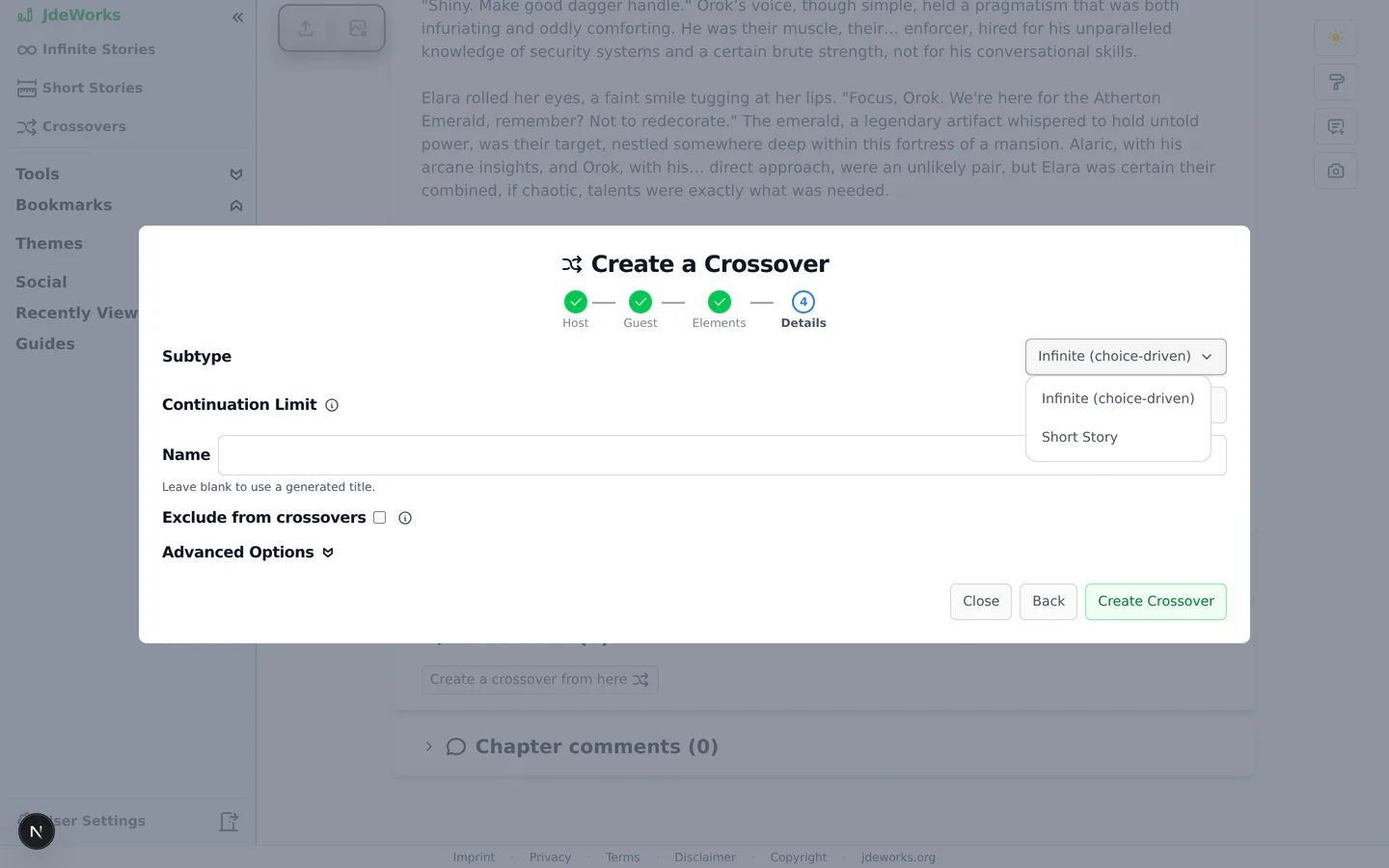
Details: choose the subtype, optionally name the crossover (blank uses a generated title), and create it.
Advanced Options on the Details step holds the crossover's own style settings: language , reading level, genre, themes and tone. Set the language there if the crossover should not be written in English. Leave the section closed and the crossover follows the same defaults as any other story.Host first, guest second. Both are a story plus one specific chapter.Two subtypes exist. Infinite (choice-driven) starts with an event chapter offering choices and votes and then continues like a normal infinite story, with a Continuation Limit controlling who may continue it and at what depth. Short Story generates the whole arc (guests arrive, adventure, resolution) as a one-shot or long-form short story .Infinite keeps the event open for continuation. Short Story closes the arc.
Premise: how the guests arrive
A new crossover starts with a Premise section instead of a first chapter. The AI button generates three premise options describing how the guests enter the host world, each with a title, a description and a working title for the story.
Generate premise options. The Custom Instruction button next to the generate button steers them, for example toward a comedic or a dramatic entrance.
Not convinced? More ideas appends three fresh options that avoid what was already proposed, up to nine total.
Pick one. The crossover takes its name and description from the choice, and the first content unlocks.
For an infinite crossover you then generate the Event Chapter, the moment both worlds collide. For a short-story crossover the normal short-story generation flow takes over.
Only the creator can generate and pick premises. Other readers see the proposed options and wait for the choice.
Linked back to both stories
A crossover's page names its sources right under the title: host and guest story with the exact chapters, both as links. Readers can always jump to the original scenes.The connection also shows in the other direction. On the source chapters, the Crossovers section under the chapter lists the crossover with its view and chapter counts. On the guest side, premium users additionally get Continue in this world: it plants a continuation choice in the guest chapter's own story tree, so the guest story can carry on shaped by what happened in the crossover. A story whose owner switched on Only I and people I invite can continue accepts crossovers and continuations only from the owner and invited co-writers.
Crossovers can themselves host further crossovers, including a back-crossover that sends the merged cast into yet another world.
Who can be crossed over
Public stories are crossover material for everyone by default. Story owners opt out with the Exclude from crossovers toggle on the story page. Excluded stories cannot be picked as host or guest by other users, while your own stories always stay available to you.The opt-out lives with the story, and is decided before publishing.
The exclusion flag is only changeable while the story is private. Once published, the setting is locked, so decide before you publish.
Best practices
Pick meaningful chapters, since the crossover snapshots both stories at exactly those points. A guest chapter after a major reveal brings that reveal along.
Curate the Elements checklist instead of accepting the default. Crossing two characters and one item usually beats importing a whole cast.
Generate premises with a custom instruction when you have a direction in mind. Three options within your framing beat three random ones.
Use More ideas before settling. The avoid-list makes each batch genuinely different from what you already saw.
Set the Continuation Limit deliberately on infinite crossovers: Unlimited invites the community in, creator-only keeps the event yours.
Under the hood
Crossover creation is premium-gated in the UI and enforced again on the backend. Reading, rating and commenting stay free for everyone.The premise options and the chosen premise are stored in the crossover's config. A page refresh resumes the flow in the right phase, from options ready through first-content generation.Element extraction and premise generation bill as small helper calls at 0.125× the model factor. The event chapter and later continuations bill as regular chapters at 1.0×.Element extraction is cached per guest chapter, so revisiting the Elements step or re-picking the same chapter never re-runs the call.Continue in this world inserts a special continuation child into the guest chapter's choice tree, marked as a continuation and linked to the crossover. The exclusion flag is validated server-side and locked once the story is public.