The app's interface is English, your stories do not have to be. Language is a setting you pick when you create a story, and every chapter and every choice then arrives in that language.This guide covers picking the language, the point at which it is locked in, what deliberately stays English behind the scenes, and how readers find stories in their own language.
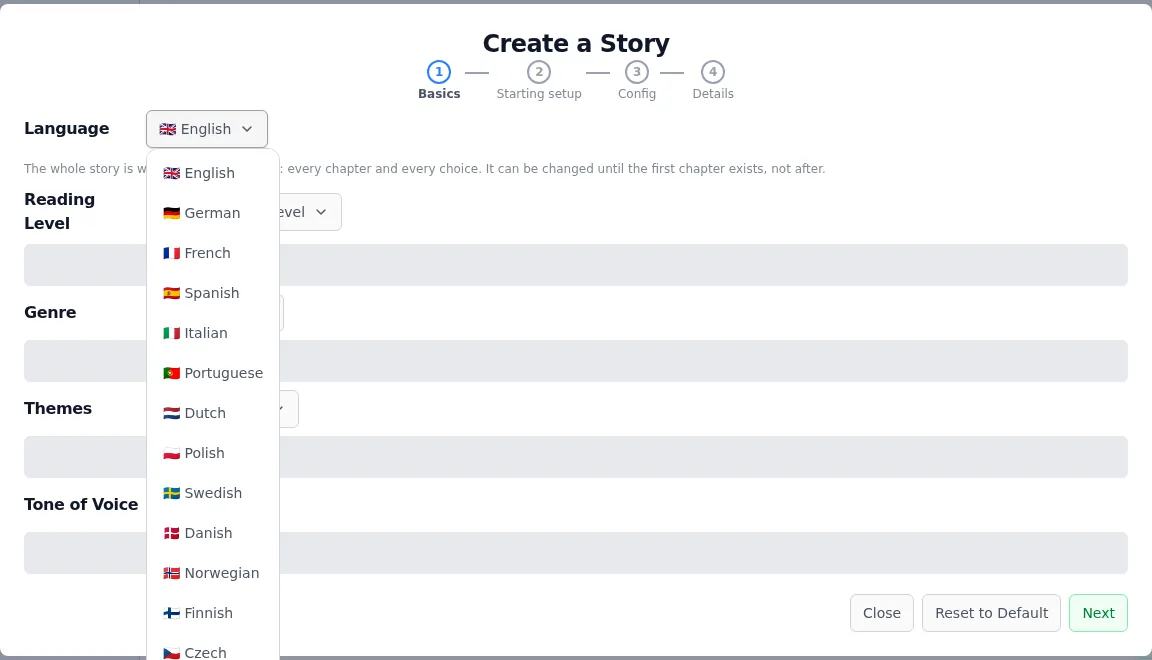
The Language dropdown is the first row of the Config step when you create an infinite story or a short story . For crossovers it sits under Advanced Options with the other style settings instead, since that wizard has no separate Config step.Twenty-one languages. English unless you say otherwise.
Click Start a new Story and move to the Config step.
Open Language and pick yours. It starts on English.
Finish the wizard and generate chapter one. Chapter text and both choices arrive in your language.
The setting is a rule the AI must follow on every generation, not a hint attached to one chapter. Chapter nine is written in the same language as chapter one.
It locks when the first chapter is written
On the story page, the owner sees a Language control next to the visibility and crossover settings. Change it freely while the story has no chapters. As soon as chapter one exists, the control turns read-only and the backend refuses further changes.That is deliberate. A story that switches language midway leaves its written chapters, its summaries and its outline stranded in the first language, and every later chapter has to be written from context it no longer matches. If you want a different language, start a new story.
What stays English on purpose
The language setting governs what a reader reads: chapter text, the choices, reworked chapters. The machinery behind the story stays English. Summaries, outlines, drift checks, the chapter analyzers and image prompts are all written and parsed as English, and moving them would break the parsing rather than improve the story.So a German story is built from English summaries. The AI is told this explicitly, and told to write German anyway. You never see those summaries in the reader.
Beyond language: tone and style
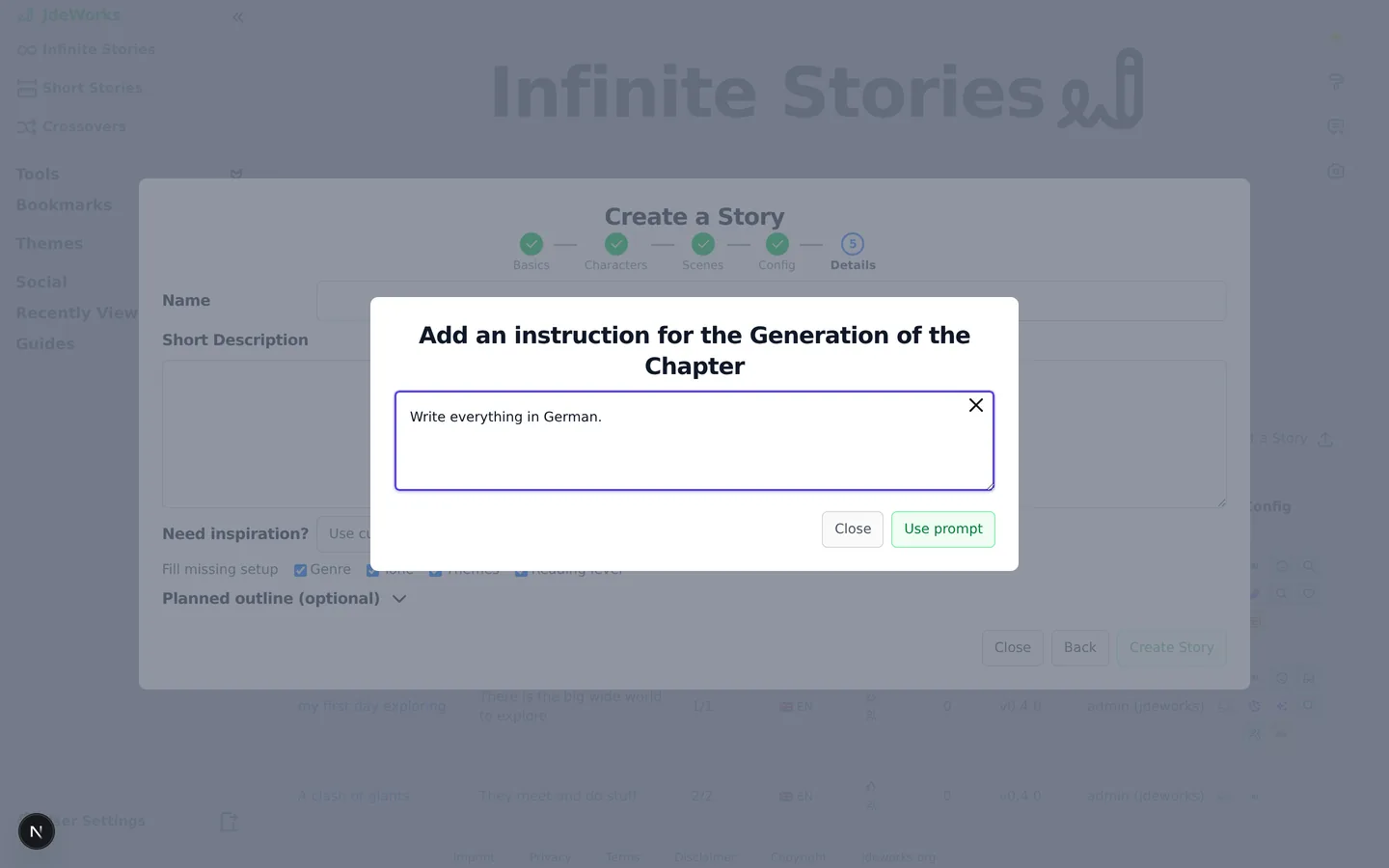
Wherever the app generates something, a Custom Instruction button sits next to the generate button (shortened to CI on small screens). It is the everyday lever for anything the language setting does not cover.✘ means no instruction is set for this context yet.The field takes up to 5000 characters and steers anything about the writing:
Write in the style of a noir detective novel.
End every chapter on a cliffhanger.
Dry humor, short sentences, no adverbs.
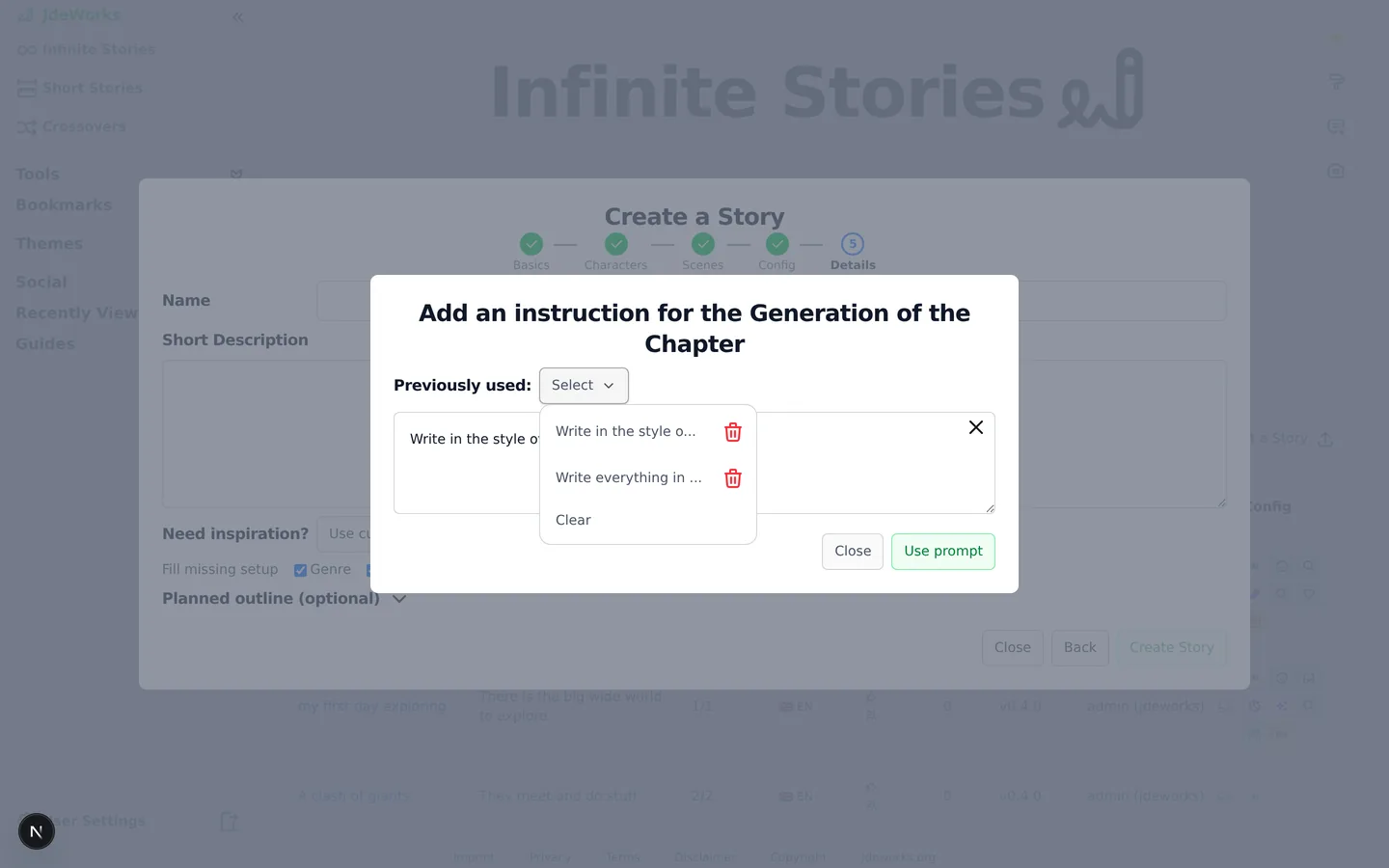
Plain sentences work. There is no syntax to learn.Each context keeps its own instruction plus a history: the Previously used dropdown offers past instructions for one-click reuse. Instructions are per context, so a story's chapter instruction does not carry over to the Image helper or the Character Builder.Reuse past instructions instead of retyping them.
You no longer need "Write everything in German." as a custom instruction. The Language setting does that job properly, on every generation, and it survives being reopened on another device.
Finding stories in your language
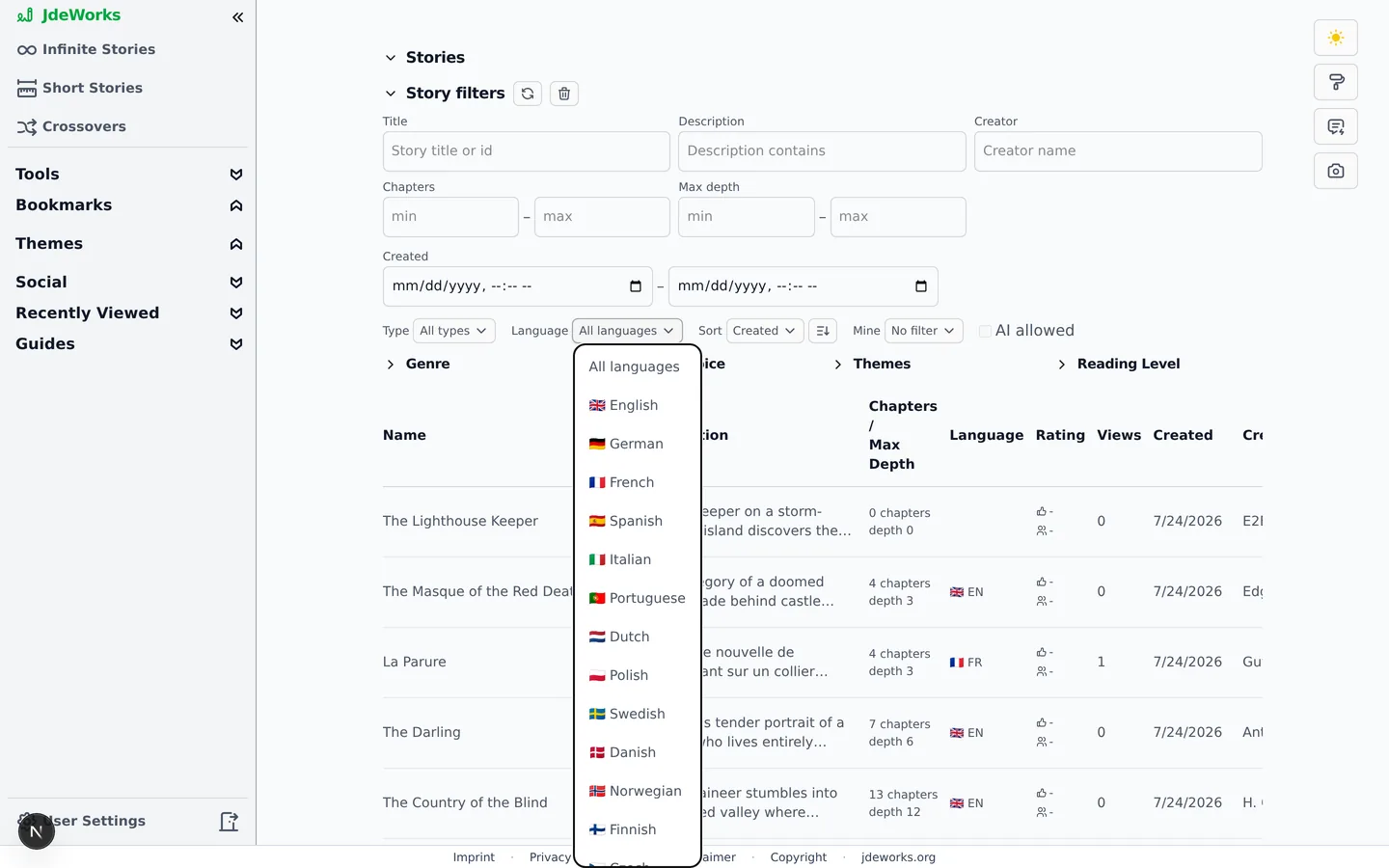
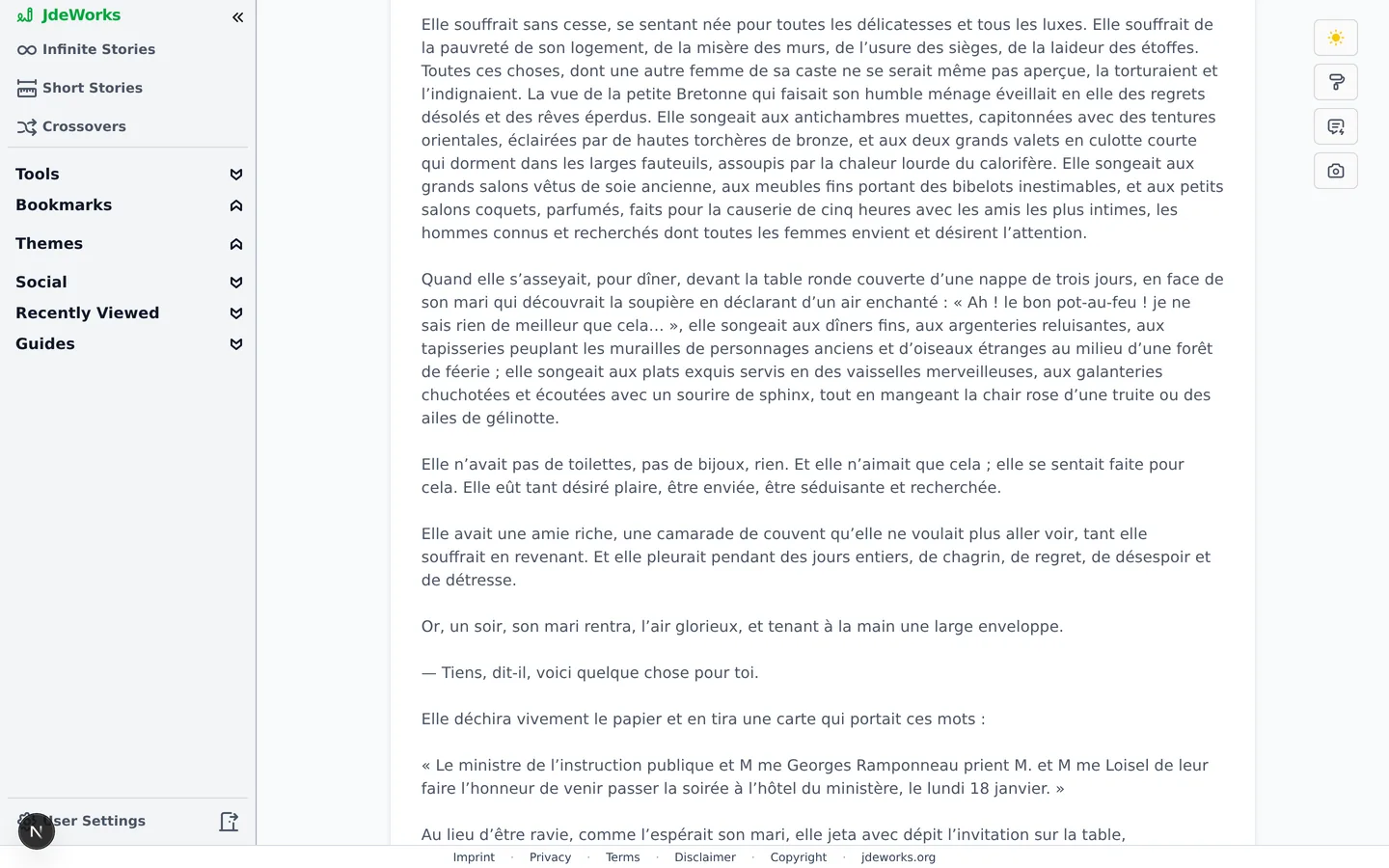
Every story shows its language as a badge. New stories carry the language you picked from the moment they are created; stories written before the setting existed had theirs detected from the text. In the Story Finder , the Language filter narrows the catalogue to one language.Filter the whole public library down to one language.La Parure, one of the public-domain classics, in French.
Best practices
Pick the language in the creation wizard rather than after the fact. It is the one moment where the choice is still free.
Leave it on English if that is what you write in. The setting is always explicit, so nobody has to guess what an unset story does.
Use a custom instruction for tone, length and style, and the Language setting for language. Stacking both in one instruction makes each weaker.
Starting a second story is the right move when you want the same premise in another language.
Under the hood
The chosen language is stored as an ISO 639-1 code on the story config and injected into the prose prompts as a must-follow directive, stated last so it holds against the surrounding English context.It reaches chapter generation, short-story one-shots, long-form chapters, crossover chapters and the analyzer-driven rework. Summaries, outlines, drift checks, analyzers and image prompts are excluded by design.Chapter validation checks the chapter against the story's language. Before this existed, a German chapter could be rejected for not being English.Custom prompt templates still receive the directive: it rides a placeholder every template is required to carry, so overriding the template cannot opt a story out of its own language.The story's language column drives the badge and the finder filter. It is seeded from the setting at creation and detected from the text otherwise.Custom instructions are stored in browser localStorage per context and travel with each generation request. The language setting lives on the story, on the server.