Not every idea wants an endless branching tree. Short Stories are self-contained: a one-shot arrives as a complete story in a single generation, and long-form builds an outline first and then writes big chapters one by one, with you editing in between.This guide walks through creating a short story, the two generation types, the long-form outline workflow, and publishing. You need a logged-in account. Generation costs credits, listed at the end.
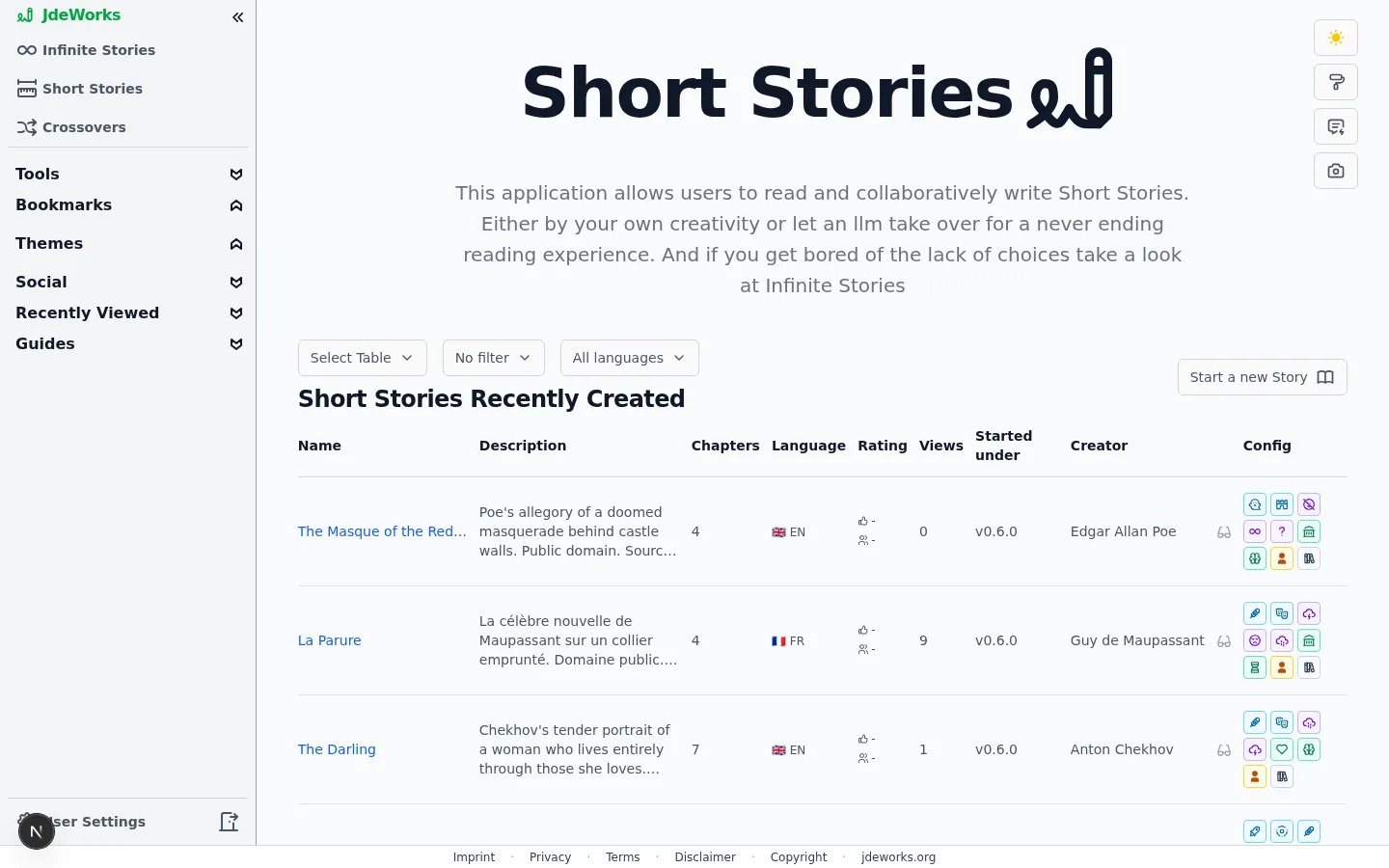
Open Short Stories in the sidebar. The page lists short stories from the whole community. Start a new Story opens the creation wizard.Above every table sit up to three dropdowns. Select Table switches between the prepared tables, Language narrows the list to one language (available logged out too), and a mine filter appears when you are logged in, to show or hide your own.Three prepared tables: Short Stories Recently Created, Short Most Viewed and Short Best Rated. All three list short stories only, so a ranking here never mixes in infinite stories or crossovers.The Short Stories hub: browse everyone's stories, start your own.
Creating a short story
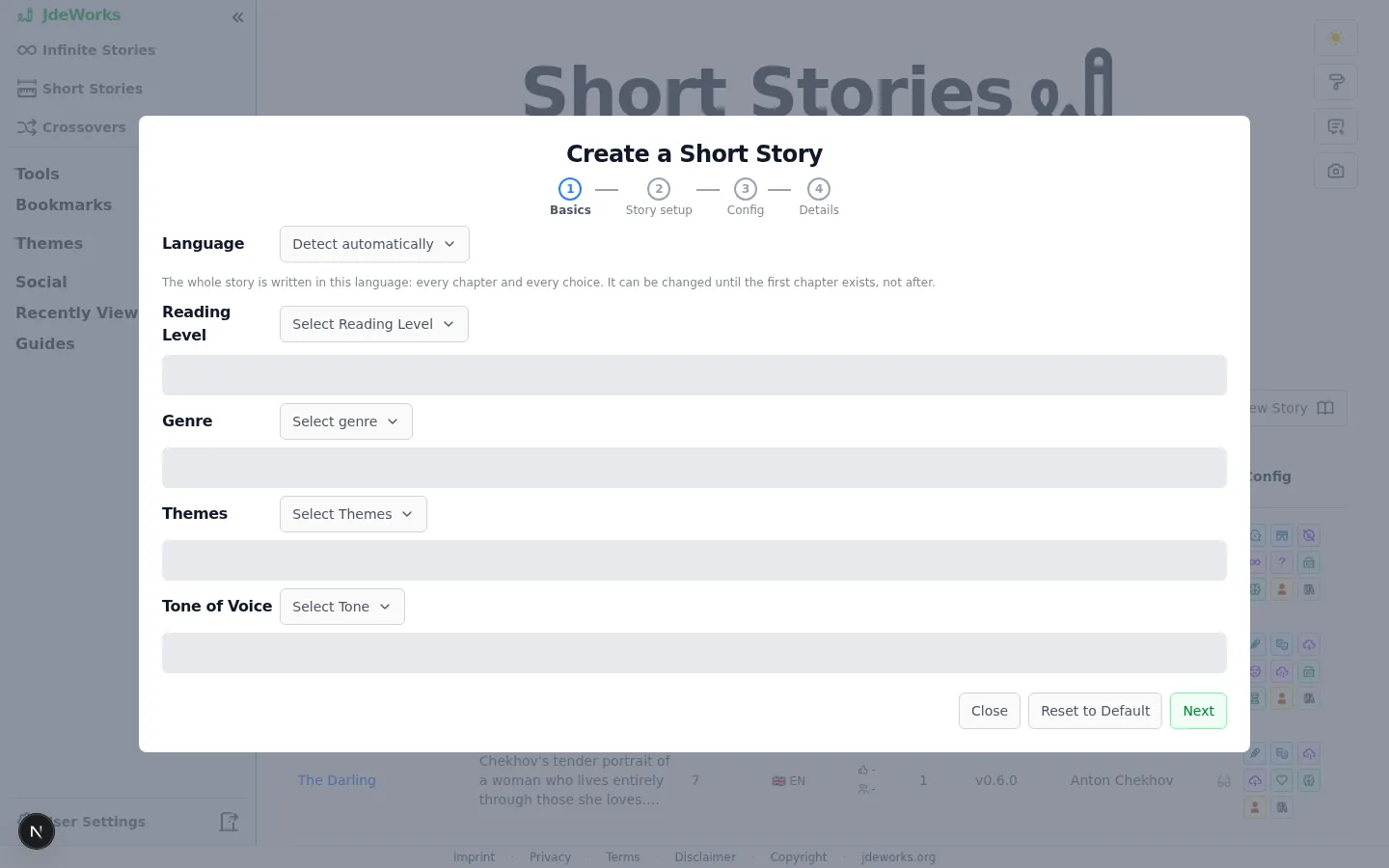
The Create a Short Story wizard has four steps: Basics, Story setup, Config and Details. Only the name on the last step is required, everything else refines the result.
Basics: pick the story language , genre, tone, themes and reading level.
Story setup: attach reusable characters, scenes and a research document, so the story uses them instead of inventing its own.
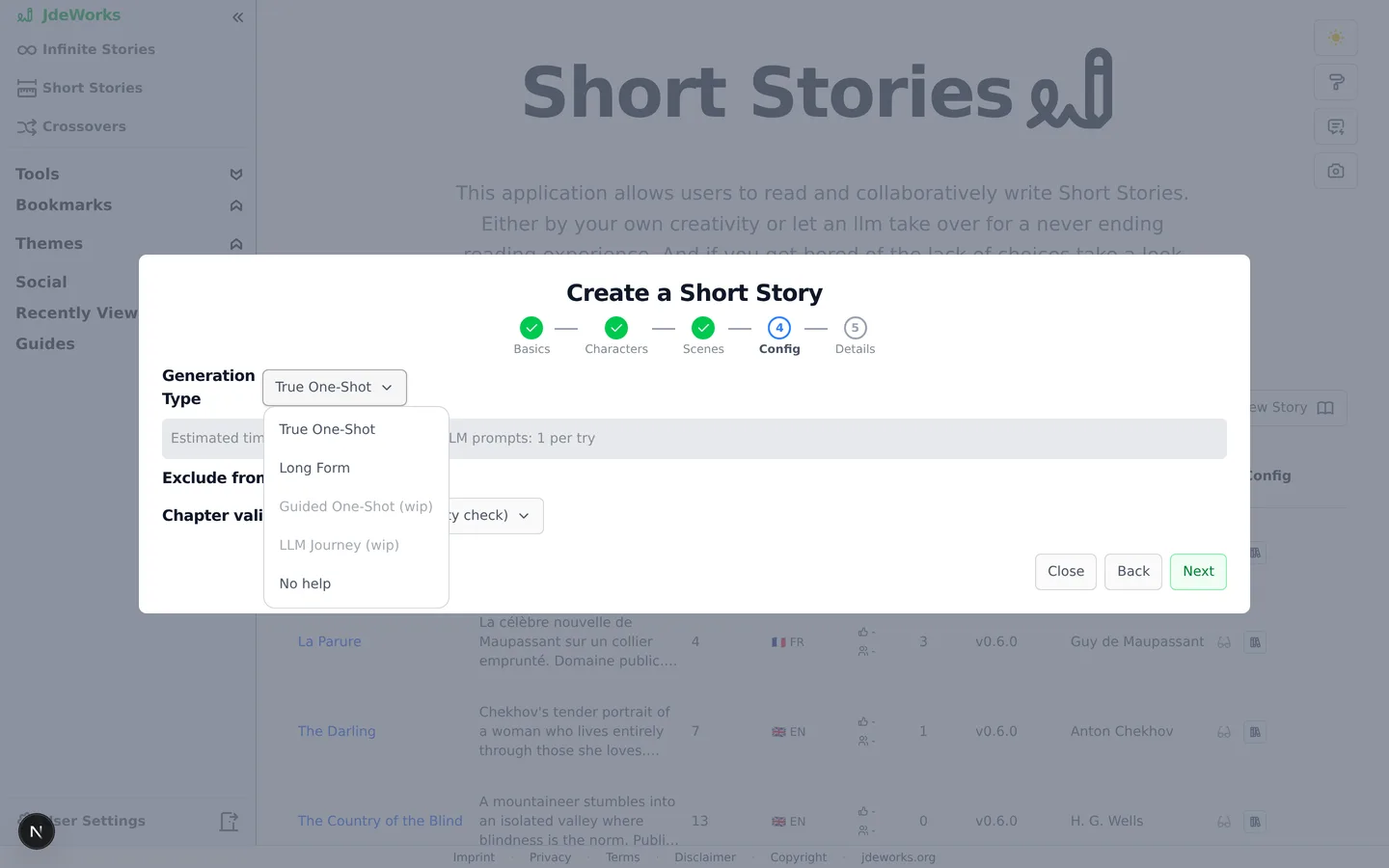
Config: choose the Generation Type (next section), and optionally exclude the story from crossovers or set a chapter validation mode.
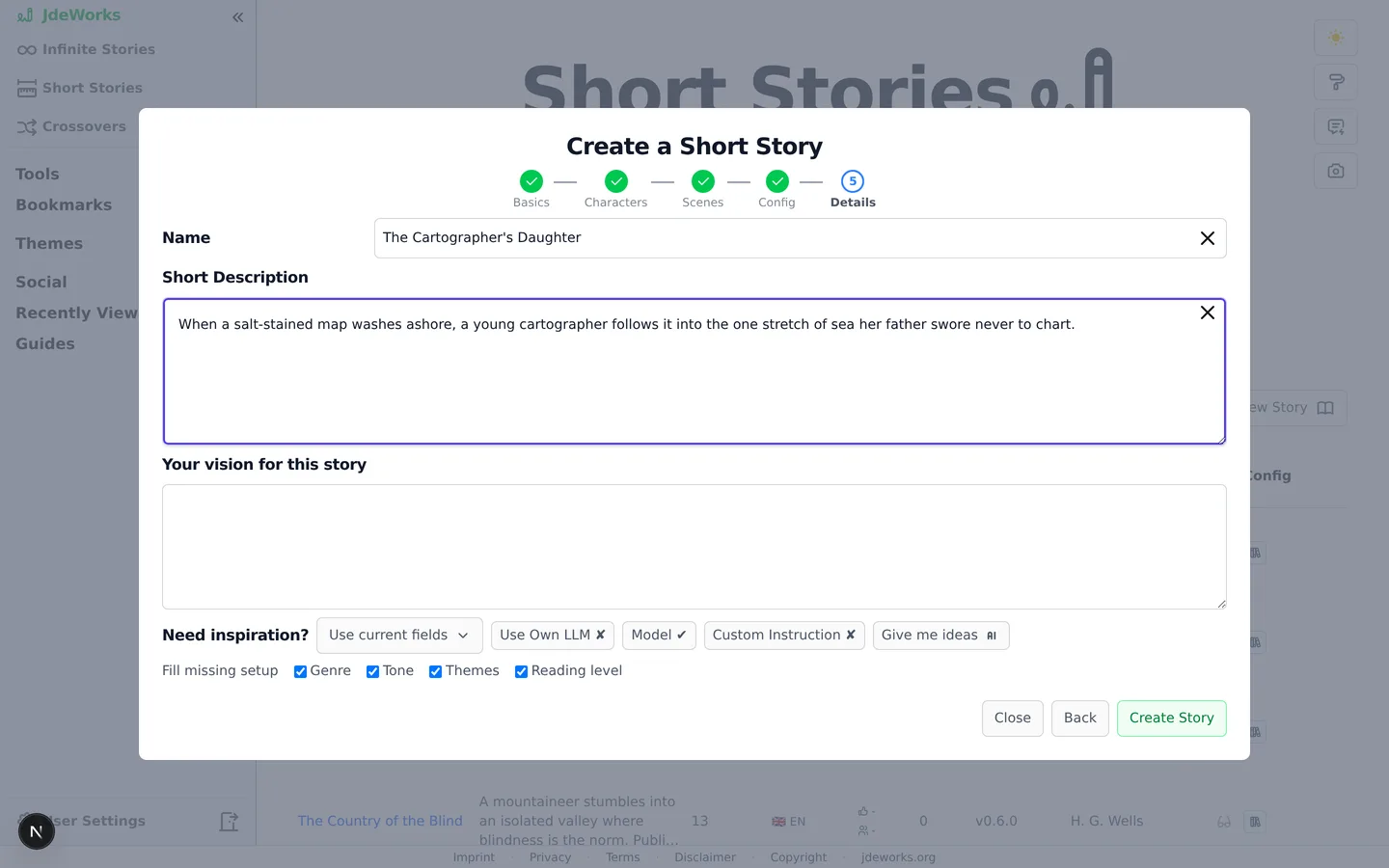
Details: name, short description and your vision for the story. Stuck? The Need inspiration? row generates five name-and-description ideas to pick from.
Click Create Story. You land on the new story's page, where generation happens.
Four steps, most of them optional.The Generation Type decides how the story gets written.
One-shot or long-form?
True One-Shot generates the complete story in one go from your title, description and setup: typically 5 to 10 chapters and around 15,000 to 30,000 words total. It costs 3 credits at the default model and takes a few minutes. Best when you want a finished story fast.Long Form is the workshop option. An outline is generated first, you edit it, then each chapter is written individually at around 8,000 to 10,000 words per chapter. Each chapter costs 2.5 credits at the default model, plus a small helper fee for the outline and the automatic per-chapter recap. Best for novella-length stories you want to steer.No help creates an empty story you write entirely yourself.Name and description are what a one-shot builds on. Make them count.
A Custom Instruction works here too: set language, style or length rules before generating. See the language and style guide .
The long-form workflow
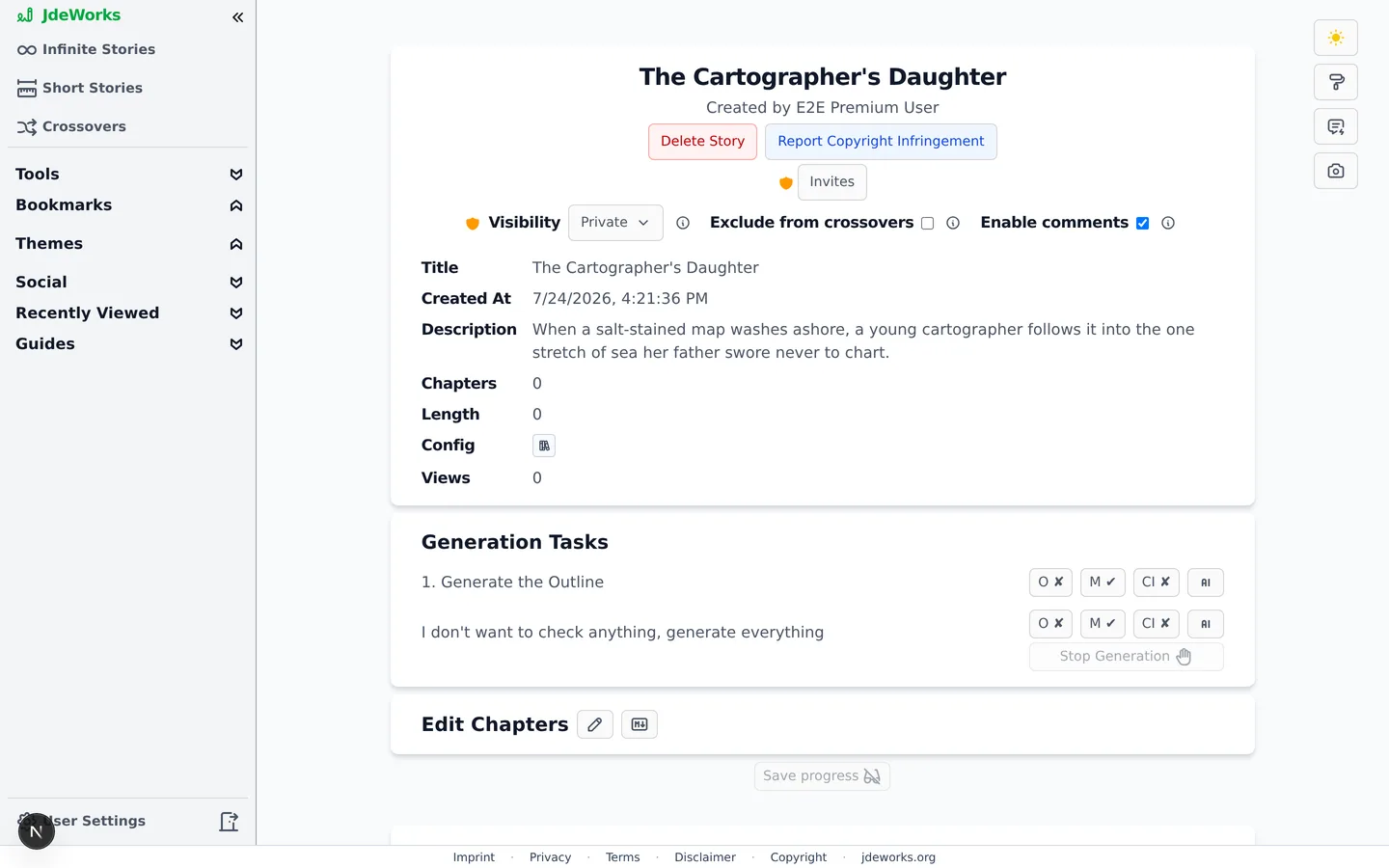
A fresh long-form story shows a Generation Tasks panel. Task one generates the outline: a story overview plus one heading and synopsis per chapter. Every part of it is editable before any chapter is written, and you can add or remove chapters.The Generation Tasks panel drives long-form generation step by step.
Generate the outline, then reshape it: edit headings and synopses, add or remove chapters.
Generate chapters one at a time, reviewing each before the next. After each chapter, a short recap is generated automatically so later chapters stay consistent.
Or click the generate button next to Generate everything that is left and let it run through all remaining chapters. Stop Generation halts the queue after the current task.
Use Save progress anytime. When everything is generated, finish with Save as private or Save and publish. There is also an in-between Unlisted state to switch to afterward: anyone with the link can read, but the story stays out of search and discovery. See Share, embed & collaborate .
Regenerating an earlier chapter discards all later chapters back to their outline state, after a confirmation. The story is written front to back on purpose.
Reading, editing and images
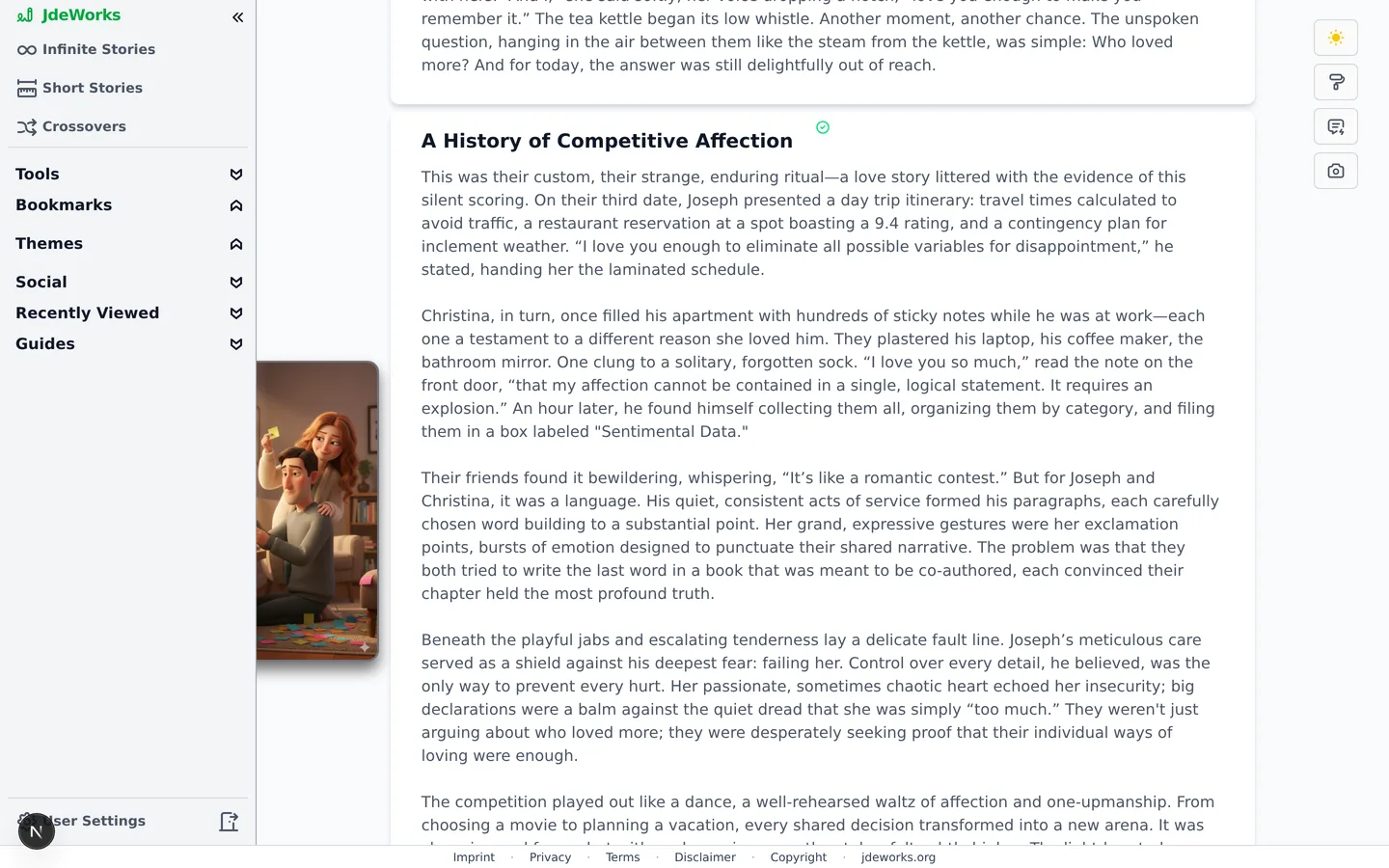
A one-shot arrives as Proposed Chapters in reading view. The pencil button switches to editing mode where you can rewrite any chapter by hand or have the AI rework a single chapter. Saving offers Save but keep it private and Save and publish, plus an in-between Unlisted option: anyone with the link can read, but the story stays out of search and discovery. See Share, embed & collaborate for the full picture.In editing mode every chapter has an image slot, and the story has a cover. Both use the standard Image helper . Readers see one rating prompt at the end of the story instead of per-chapter votes.A published short story: collapsible chapters, illustrations, one rating at the end.
Best practices
Write two or three sentences of description and vision before generating. A one-shot has exactly one shot at understanding you.
For long-form, edit the outline before generating chapters. Fixing the plan costs nothing, fixing chapter six costs regenerating chapters seven onward.
Generate the first long-form chapter alone and check tone and pacing before using generate-everything for the rest.
Use the ideas generator on the Details step when the name feels weak. Picking a generated option fills name and description in one click.
Keep the story private until you have read it once. Publishing is one click later, unpublishing invites questions.
Under the hood
A one-shot bills 3.0× the chosen model's credit factor, a long-form chapter 2.5×. The outline bills at 0.35× as a story outline, and each per-chapter recap as a small helper call at 0.125×. A regular infinite story chapter is the 1.0 baseline.Long-form targets roughly 8,000 to 10,000 words per chapter, a one-shot roughly 15,000 to 30,000 words total across 5 to 10 chapters.Long-form progress (outline, current chapter index, recaps) is stored in the story's config, so a page refresh resumes exactly where generation stopped.Chapter recaps are what later chapters read instead of the full earlier text: the last three recaps plus the closing sentences of the previous chapter go into each chapter prompt.Generated text streams over the app's websocket. Premium users can generate with their own LLM key instead, which bypasses credit billing for those calls.Every chapter passes the NSFW text check on save, the same pipeline as all other content.